+33-9-7266-3068
 contact@gdm-pixel.fr








PrestaShop 9.1: What the Technical Update Really Changes for Your Google Position
A merchant contacted us a few weeks ago with a simple question: “Can updating my PrestaShop improve my SEO rankings?” His shop was running on an aging 1.7 version, with Core Web Vitals scores in the red and an average position around 35 in Google Search Console.
The short answer: yes. But not for the reasons he imagined.
The long answer is this article.
PrestaShop 9.1 is not a simple cosmetic update. It’s a deep technical repositioning that directly touches the criteria Google uses to rank your shop. And if you sell online, understanding this link between CMS infrastructure and organic visibility is money on the table.
What Google Really Measures on Your E-commerce Shop
Before talking about PrestaShop 9.1 specifically, let’s lay the foundation.
Google no longer ranks sites solely on keyword relevance. Since deploying Core Web Vitals as a ranking factor in 2021, technical performance has become a direct signal. Concretely, three metrics make the difference:
LCP (Largest Contentful Paint) — the time before your page’s main element becomes visible. On a product page, it’s often the main image. Google wants 2.5 seconds or less.
CLS (Cumulative Layout Shift) — visual shifts during loading. Those buttons that move as you’re about to click them. Google wants a score below 0.1.
INP (Interaction to Next Paint) — since March 2024, it replaces FID. It measures how responsive your interface is to user interactions. Acceptable threshold: under 200ms.
These three numbers appear in Google Search Console, in the “Page Experience” section. And they directly influence your average ranking position on commercial queries.
What we concretely see with our PrestaShop clients: a shop with an LCP above 4 seconds systematically loses positions on high purchase intent queries. Not spectacularly — not overnight — but gradually, over 3 to 6 months, the average position slides by 5 to 10 places.

PrestaShop 9.1: The Technical Changes That Matter for SEO
PrestaShop 9.1 introduces a new default theme — Hummingbird — and a deep overhaul of its front-end architecture. This isn’t marketing. This is a direct response to the performance problems that have penalized shops for years.
The New Hummingbird Theme Changes the Game
PrestaShop’s old Classic theme was built on Bootstrap 4 and jQuery. Performant for its time, but heavy by 2024 standards. Hummingbird takes the radical opposite approach:
Zero jQuery. The theme is built in modern vanilla JavaScript. On a typical product page, that represents 30 to 90 KB of JavaScript less to load. Directly, that improves LCP.
Modular CSS. Instead of one monolithic CSS file loaded on all pages, Hummingbird loads only the styles needed for each template. Result: fewer resources blocking rendering, better First Contentful Paint.
Native lazy loading. Images are loaded on demand by default. On a category page with 24 products, you avoid loading 23 unnecessary images on first render. The impact on LCP is immediate.
PHP 8.3 and Symfony 6.4: The Backend That Changes the Experience
PrestaShop 9.1 requires PHP 8.3 minimum and relies on Symfony 6.4. These are choices that aren’t visible on the client side, but have measurable effects.
PHP 8.3 is significantly faster than PHP 7.x or 8.0 for request processing. On a catalog of 5,000 items with faceted filters, the difference in server response time can reach 40 to 60%. This response time (TTFB — Time to First Byte) is an indirect ranking signal in Google.
“Server performance is not a luxury feature — it’s a direct SEO investment. A TTFB under 200ms is a baseline that Google rewards.” — John Mueller, Google Search Advocate
Symfony 6.4 improves cache and asset management. Concretely: static pages are served faster, CSS/JS assets are better managed and versioned.
The Direct Link Between CMS Update and Average Position in Search Console
Here’s what happens in Google Search Console when a shop improves its Core Web Vitals following a PrestaShop migration.
The “average position” in Search Console is an aggregated metric. It represents your site’s position across all queries for which you appear. An average position of 25 means you’re, on average, at the bottom of the second page — invisible to most buyers.
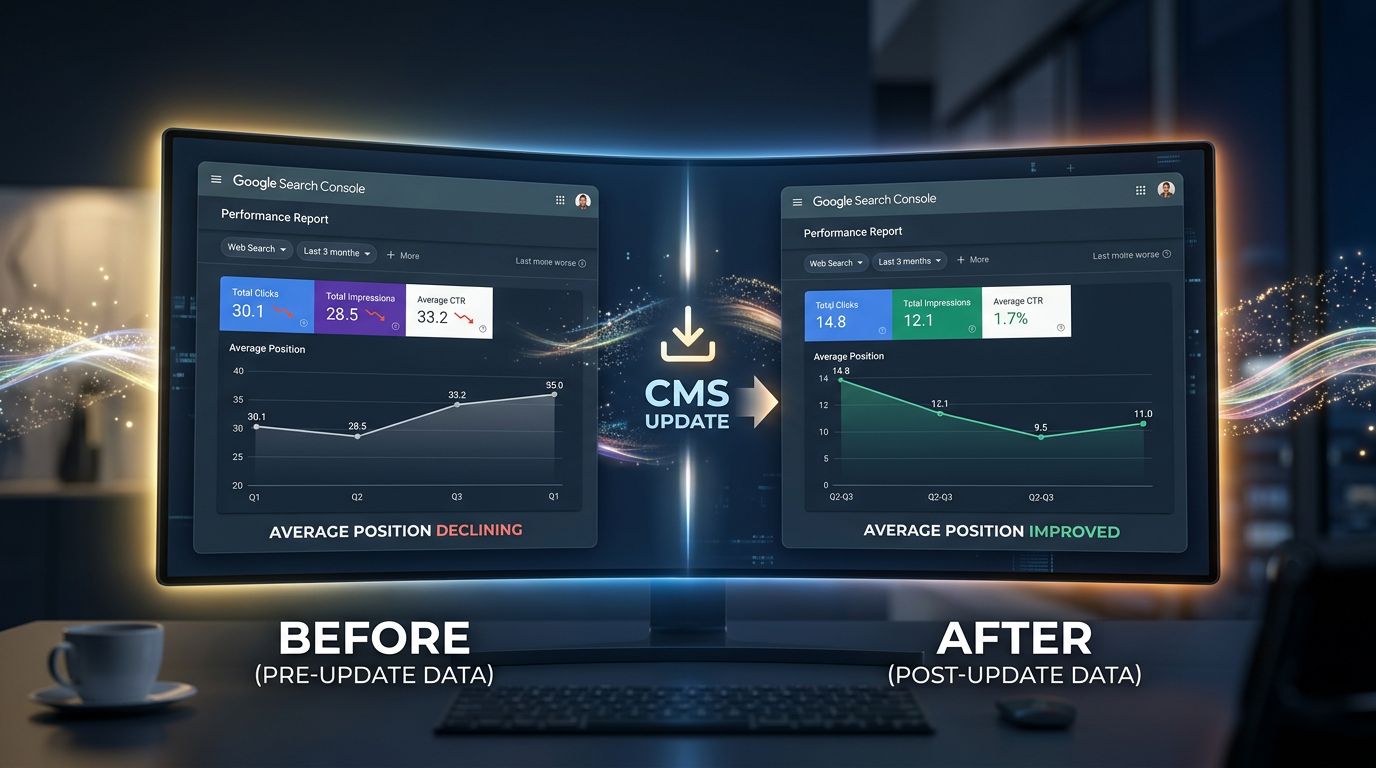
What we observe on the migration projects we’ve conducted: an improvement in Core Web Vitals from “poor” to “good” generally translates to a gain of 3 to 8 average positions on commercial queries within 60 to 90 days following the migration.
This is not magic. This is mechanics.
Google interprets better page experience as a signal that your shop deserves to be ranked higher. Combined with relevant content, the effect is multiplicative.
What Average Position Doesn’t Tell You (and What You Should Monitor)
Beware of the classic pitfall: focusing solely on overall average position.
In Search Console, filter your data by query type. Compare positions on your transactional queries (those with “buy”, “price”, “shipping”) before and after the update. That’s where performance improvement has the most direct business impact.
Also monitor CTR (click-through rate). A better position means nothing if your title and meta description don’t encourage clicking. The technical migration is an opportunity to rework these often-neglected elements.
Common Mistakes to Avoid When Migrating to PrestaShop 9.1
Moving to PrestaShop 9.1 to improve your SEO is a good decision. Getting it wrong is the opposite guarantee.
After 15 years with PrestaShop, here are the mistakes that cost rankings:
Not managing 301 redirects. If your migration changes the URL structure (which often happens between PrestaShop 1.7 and 9.x), each modified URL without a redirect is a dead link for Google. You lose the “SEO juice” accumulated on your old pages. Result: ranking drop for at least 3 to 6 months.
Migrating without a prior audit. Before any migration, audit your pages that generate organic traffic. These pages must be preserved as a priority, with their URLs, title tags, and content.
Enabling the new theme without optimizing images. Hummingbird does lazy loading, but if your product images are 2 MB in JPEG, LCP will remain poor. Migration is the right time to convert to WebP and properly resize.
Skipping staging tests. Test your complete migration on a staging environment with the proper measurement tools (PageSpeed Insights, WebPageTest) before switching to production.

Three Concrete Actions to Leverage PrestaShop 9.1 for SEO
If you manage a PrestaShop shop and are reading this article, here’s what’s actionable right now:
1. Audit Your Starting Position in Search Console
First and foremost, export your current Search Console data. Average position per query, impressions, clicks over the last 3 months. This is your baseline. Without it, you won’t be able to measure the real impact of your migration.
In Search Console: Performance > Queries > Export. Keep this file safely.
2. Measure Your Current Core Web Vitals
Use PageSpeed Insights on your 5 most important pages: homepage, 2 high-traffic category pages, 2 featured product pages. Note the LCP, CLS, and INP scores for each page.
This is your comparison point post-migration. On the projects we’ve conducted, these numbers consistently improve after a well-executed migration to PrestaShop 9.1 with Hummingbird.
3. Plan the Migration for Low Commercial Season
Don’t migrate in November (Black Friday) or December. Even a perfect migration creates slight ranking instability for 2 to 4 weeks, the time it takes Google to recrawl and re-evaluate your site. Choose a slow period for your industry.
What This Changes for Your Overall Digital Strategy
The real lesson behind PrestaShop 9.1 is that the boundary between technical and SEO no longer exists.
In Normandy like elsewhere in France, we still see merchants separate “the technical” (hosting, CMS, updates) from “the marketing” (SEO, content, social media). This is a mistake that costs rankings and therefore sales.
Your CMS infrastructure is a full-fledged SEO variable. The version of PHP running on your server, the theme you use, the way your images are served — all of this has a measurable impact on your organic visibility.
“The best technical SEO is a site that loads fast, displays correctly on mobile, and doesn’t crash. Everything else comes after.” — What we’ve been telling our clients for 15 years.
PrestaShop 9.1 structurally solves several of these problems. But it doesn’t solve them automatically — it requires a clean migration, a properly configured theme, and post-migration metric tracking.
Conclusion: The Update Is Not an End, It’s a Lever
Updating to PrestaShop 9.1 won’t double your organic traffic overnight. Let’s be clear about that.
But it will remove technical obstacles that penalize your ranking. And on a market where position 1 captures 28% of clicks versus 2.5% for position 10, gaining 3 to 5 positions on your key queries is a real revenue difference.
The merchant who called us with his shop at position 35? After PrestaShop 9.1 migration, WebP image optimization, and redirect fixes, his average position went to 18 in 3 months. His organic traffic increased by 40%.
This is not a miracle. This is well-executed mechanics.
If you have an aging PrestaShop shop and want to know exactly where you stand — Core Web Vitals, URL structure, technical SEO opportunities — we do honest audits. Not to sell a redesign if it’s unnecessary. To tell you what’s blocking your visibility and what’s really worth fixing.
Contact GDM-Pixel for a technical audit of your PrestaShop shop.
Key Takeaways
- Core Web Vitals = Direct ranking signal. LCP, CLS, and INP influence your average position in Search Console. PrestaShop 9.1 improves these metrics structurally via Hummingbird and PHP 8.3.
- A poorly managed migration does more harm than no migration. 301 redirects, prior audit, staging tests — these steps are not optional.
- Measure before, measure after. Export your Search Console data and PageSpeed scores before migration. Without a baseline, you can’t prove (or optimize) real impact.