+33-9-7266-3068
 contact@gdm-pixel.fr







 TL;DR - Key Takeaways at a Glance
When your digital project breaks down, the cost is immediate
A site that refuses connections. A blockchain transaction dragging on for 30 seconds. In both cases, the result is the same: you lose money, credibility, or both.
This is not a matter of luck. It is a matter of technical mastery.
In 2026, high-performing digital projects rest on two pillars rarely taught together: the reliability of fundamentals (fixing basic errors that block everything) and mastery of cutting-edge innovations (exploiting modern infrastructure capabilities to their full potential). Ignoring either one means building on sand.
In this article, we cover both. First, how to diagnose and fix the ERR_CONNECTION_REFUSED error — the one that sends everyone into a panic in production. Then, how to optimize the speed of your Solana transactions for truly competitive decentralized applications.
Understanding ERR_CONNECTION_REFUSED before fixing it
The ERR_CONNECTION_REFUSED error is one of the most common in web development. It appears in the browser, in your Node.js logs, in your API calls — and it always has the same meaning: your client is trying to reach a server that is not listening at the requested address or port.
No mystery here. The server is unreachable. Either because it is stopped, because it is listening on the wrong port, or because a firewall is blocking the connection.
What we see in practice with our clients: 80% of the time, the error comes from a misconfigured local setup — a backend service launched on port 3001 while the frontend calls port 3000. It sounds trivial. It blocks an entire day of development if you do not know where to look. A poor hosting choice can worsen these availability issues in production.
Diagnosis in 4 steps
Step 1 — Verify the service is running
First, confirm that the server is up:
# Linux / macOS
lsof -i :3000

# Windows (PowerShell)
netstat -ano | findstr :3000
If the command returns nothing, your server is simply not started. Start it.
Step 2 — Check the listening address
A server can be running but only listening on 127.0.0.1 (localhost). If you are calling it from another Docker container or from a remote machine, the connection will be refused. Check your configuration:
// Express.js — listen on all interfaces
app.listen(3000, '0.0.0.0', () => {
  console.log('Server accessible on all interfaces');
});
Step 3 — Check firewall rules
On a Linux production server:
# Check UFW rules
sudo ufw status

# Open a port if necessary
sudo ufw allow 3000/tcp
On a cloud VPS (AWS, OVH, Hetzner), also think about security groups and network rules at the infrastructure level — independently from the system firewall.
Step 4 — Docker case: the internal network
In a Docker Compose environment, services communicate via their service name, not via localhost. This is the number one source of ERR_CONNECTION_REFUSED in containerized environments.
# docker-compose.yml
services:
  frontend:
    environment:
      - API_URL=http://backend:3000  # Service name, not localhost
  backend:
    ports:
      - "3000:3000"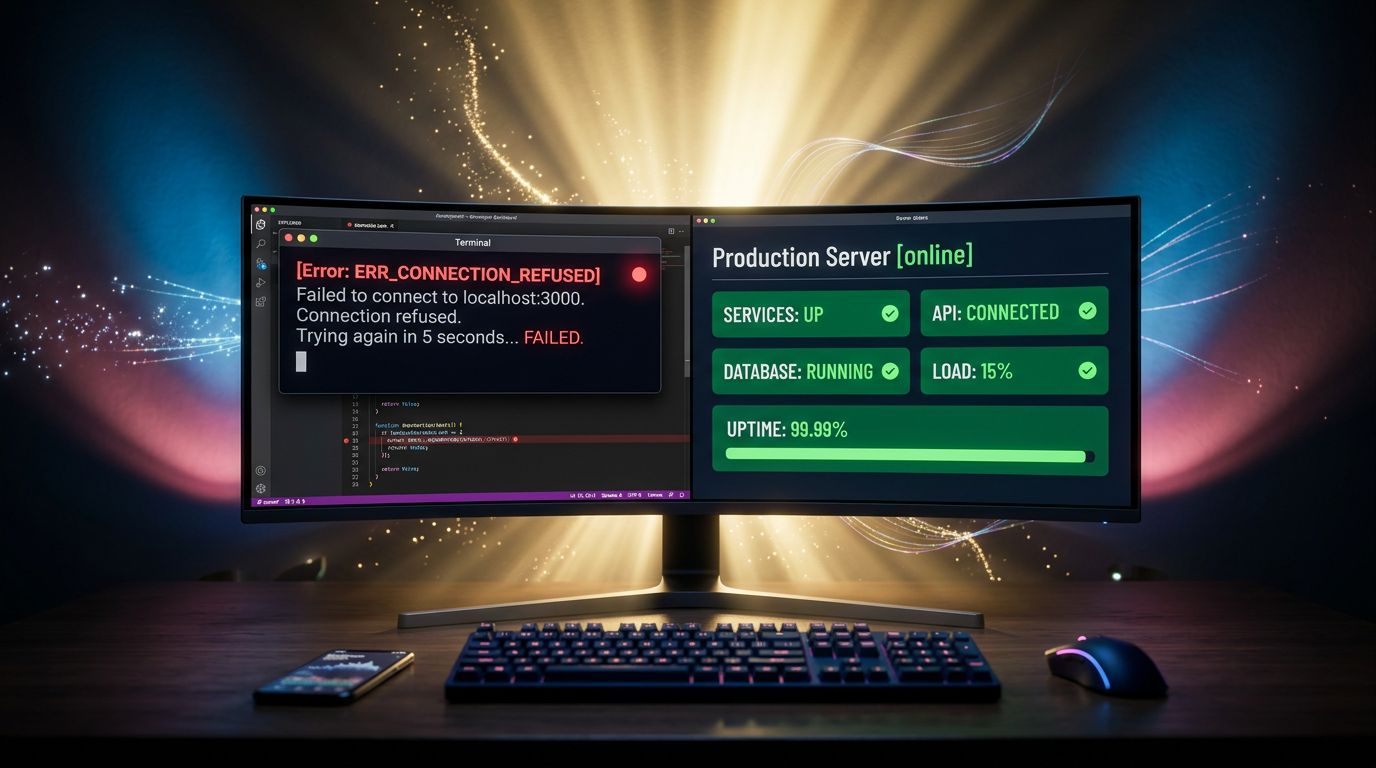
The CORS trap that masks the real problem
Here is where it gets interesting. Sometimes, the ERR_CONNECTION_REFUSED is hidden behind a CORS error in the browser console. Developers spend hours configuring CORS headers when the real problem is upstream: the server is unreachable.
Simple rule: if you have a CORS error and a connection error in DevTools Network, fix the connection first. CORS comes after.
Optimizing Solana transaction speed in 2026
Let us move to the other end of the spectrum. Solana is today one of the fastest blockchains on the market — theoretically 65,000 transactions per second, near-zero fees. In practice, if your application does not leverage the infrastructure correctly, your transactions will drag, expire, or fail under load.
Here is what really makes the difference in 2026.
Choosing the right RPC endpoint — and not stopping at the default
The RPC (Remote Procedure Call) is the gateway between your application and the Solana blockchain. The default public endpoint (api.mainnet-beta.solana.com) is permanently overloaded. Using that endpoint in production is like driving on the motorway at rush hour without a reserved lane.
The alternatives that change everything:
- Helius — probably the best quality/reliability ratio right now, with advanced indexing features
- QuickNode — performant, multi-region, good documentation
- Triton One — high-performance oriented for critical applications
- Alchemy (Solana support) — if you are already in their ecosystem
import { Connection } from '@solana/web3.js';

// Avoid this in production
const connection = new Connection('https://api.mainnet-beta.solana.com');

// Do this instead
const connection = new Connection(
  process.env.SOLANA_RPC_URL, // Your premium endpoint
  {
    commitment: 'confirmed',
    confirmTransactionInitialTimeout: 60000,
  }
);
Configuring priority fees
Since the introduction of priority fees on Solana, a transaction without competitive priority fees can wait several seconds — or even expire — during periods of network congestion.
What agencies never tell you: not configuring priority fees is the number one cause of slow transactions in 2026, well before infrastructure issues. In the same way, understanding HTTP headers and their impact on performance helps avoid bottlenecks on the server side.
import {
  ComputeBudgetProgram,
  TransactionMessage,
  VersionedTransaction,
} from '@solana/web3.js';

// Fetch recent priority fees to calibrate
const recentFees = await connection.getRecentPrioritizationFees();
const averageFee = recentFees.reduce((sum, fee) =>
  sum + fee.prioritizationFee, 0) / recentFees.length;

// Add 20% above average to pass with priority
const priorityFee = Math.ceil(averageFee * 1.2);

const computeBudgetInstruction = ComputeBudgetProgram.setComputeUnitPrice({
  microLamports: priorityFee,
});
Using versioned transactions and lookup tables
Versioned transactions (introduced with the V0 format) combined with Address Lookup Tables reduce transaction size and allow more instructions to fit in a single block. For applications with many instructions, this is a measurable gain.
import {
  AddressLookupTableProgram,
  VersionedTransaction,
  TransactionMessage,
} from '@solana/web3.js';

// Build a versioned transaction
const message = new TransactionMessage({
  payerKey: payer.publicKey,
  recentBlockhash: blockhash,
  instructions: [
    computeBudgetInstruction,
    ...yourInstructions,
  ],
}).compileToV0Message(addressLookupTableAccounts);

const transaction = new VersionedTransaction(message);
Retry strategy and expiration handling
A Solana transaction expires if it is not confirmed within approximately 150 blocks (~60-90 seconds). Without a retry strategy, your application silently leaves failed transactions behind.
Our experience confirms it: on the dApp projects we have run, implementing a robust retry logic reduces silent failures by 70%.
async function sendTransactionWithRetry(
  connection,
  transaction,
  signers,
  maxRetries = 3
) {
  for (let attempt = 0; attempt < maxRetries; attempt++) {
    try {
      // Fetch a fresh blockhash on each attempt
      const { blockhash, lastValidBlockHeight } =
        await connection.getLatestBlockhash('confirmed');

      transaction.recentBlockhash = blockhash;
      transaction.sign(...signers);

      const signature = await connection.sendRawTransaction(
        transaction.serialize(),
        { skipPreflight: false, maxRetries: 0 }
      );

      // Wait for confirmation with timeout
      await connection.confirmTransaction({
        signature,
        blockhash,
        lastValidBlockHeight,
      });

      return signature;

    } catch (error) {
      if (attempt === maxRetries - 1) throw error;
      console.log(`Attempt ${attempt + 1} failed, retrying...`);
      await new Promise(resolve => setTimeout(resolve, 1000 * (attempt + 1)));
    }
  }
}
What these two subjects have in common
On the surface, fixing an ERR_CONNECTION_REFUSED and optimizing Solana transactions seem to have nothing in common. In reality, they illustrate the same fundamental principle.
Technical performance is not optional. It is a business constraint.
An inaccessible site loses customers. A slow transaction drives users away from a dApp. In both cases, the solution is not magic — it is methodical.
“Reliability is not the absence of failures. It is the ability to anticipate, detect, and fix them before they become costly.”
What we observe on the projects we support: teams that document their configurations (ports, endpoints, network parameters) spend 5 times less time debugging than those who rely on memory. An up-to-date .env.example, a README with network prerequisites, a “troubleshooting” section in your internal docs — it takes 2 hours to write and saves days over 12 months.

3 concrete actions to take this week
Here is what you can do now, without waiting:
1. Audit your port and endpoint configurations Take stock of all the services in your stack and verify that listening addresses are explicitly documented. How many times have you lost 30 minutes because a port was misconfigured locally?
2. If you develop on Solana, benchmark your current RPC Measure the average response time of your endpoint with a simple test script. If you consistently exceed 300ms on average, switch provider. The gains are immediate and measurable.
3. Implement a retry strategy on all your transactions No retry = silent failures you will never see in your logs. It is the most costly and most invisible technical debt. If you need an expert eye on your network or server configurations, our website maintenance and troubleshooting service can intervene quickly.
Building projects that hold up
Web performance in 2026 is not just about having the most modern stack. It is built on two simultaneous levels: mastering fundamentals that prevent basic failures, and leveraging the advanced capabilities of current infrastructures.
At GDM-Pixel, this is exactly the approach we apply on our projects — whether it is a showcase site for a local craftsman or a decentralized application. Reliability is non-negotiable. Performance neither.
Do you have a web project or application suffering from performance or reliability issues? Contact us for a technical audit — we look at what is blocking, we tell you what can be improved, without selling you a full rebuild if it is not necessary.
 Social networks
 Analyze with AI