+33-9-7266-3068
 contact@gdm-pixel.fr







 TL;DR - Key Takeaways at a Glance
Your WordPress Site May Be Running on an Outdated PHP Version
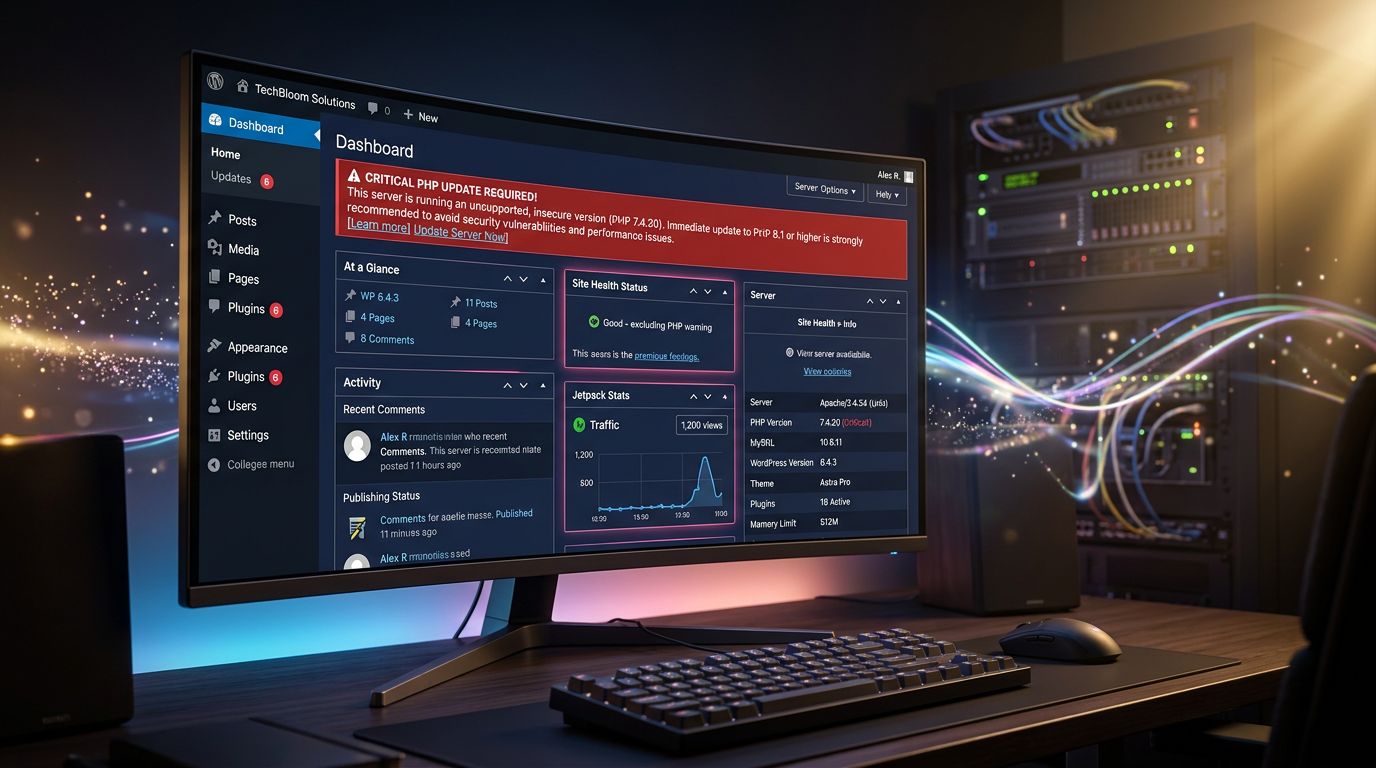
How many of you have received this message in the WordPress dashboard: “Your server is running PHP 7.4, which is no longer maintained” — and ignored it for six months?
That’s understandable. There are more pressing things to deal with. The site works, customers are placing orders, the phone is ringing. Why touch something that isn’t broken?
Here’s why: PHP 7.4 has been end-of-life since late 2022. No security patches. No fixes. If someone tries to exploit a vulnerability on your server, the door is wide open — a blind spot we often highlight in our guide on how to properly secure your WordPress site. And in 2026, hosting providers are starting to force the migration — sometimes without warning, with disastrous results for poorly prepared sites.
We’ve handled several emergencies of this kind at GDM-Pixel. A PrestaShop e-commerce site crashed after a forced update by the host. A WordPress site broken because a three-year-old plugin didn’t support PHP 8.2. Every time, the root cause was the same: nobody had anticipated the PHP migration.
This guide is here to make sure that doesn’t happen to you.
Why Your WordPress Site’s PHP Version Is Critical
PHP is the language that runs WordPress. Every page your visitors load, every form submitted, every order placed — PHP executes all of that server-side.
WordPress itself is written in PHP. So are your themes. So are your plugins. And each version of PHP brings changes: new functions, removal of old syntax, performance optimizations.
The problem is that the WordPress ecosystem is vast and uneven. Some plugins are actively maintained. Others haven’t been updated since 2019. When you move from PHP 7.4 to PHP 8.1, a poorly coded plugin can generate fatal errors — and show a white page to your customers. This is one of the reasons we question WordPress’s real position facing its competitors in 2025.
Measurable performance gains. PHP 8.x is significantly faster than PHP 7.x. Real benchmarks show gains of 10–30% in execution time depending on site complexity. For an e-commerce with a large catalogue, this is directly visible in Core Web Vitals — and therefore in your Google rankings.
Extension compatibility. Since PHP 8.0, several deprecated functions have been removed. Plugins coded with shortcuts from 2015–2018 can fail silently — or loudly, depending on your error display configuration.
Hosting requirements. In 2026, most serious hosting providers (OVH, PlanetHoster, Infomaniak, o2switch) have deprecated PHP 7.x in their interfaces. Some are planning automatic migrations. It’s better to control the timing yourself.
Which PHP Version to Choose in 2026?
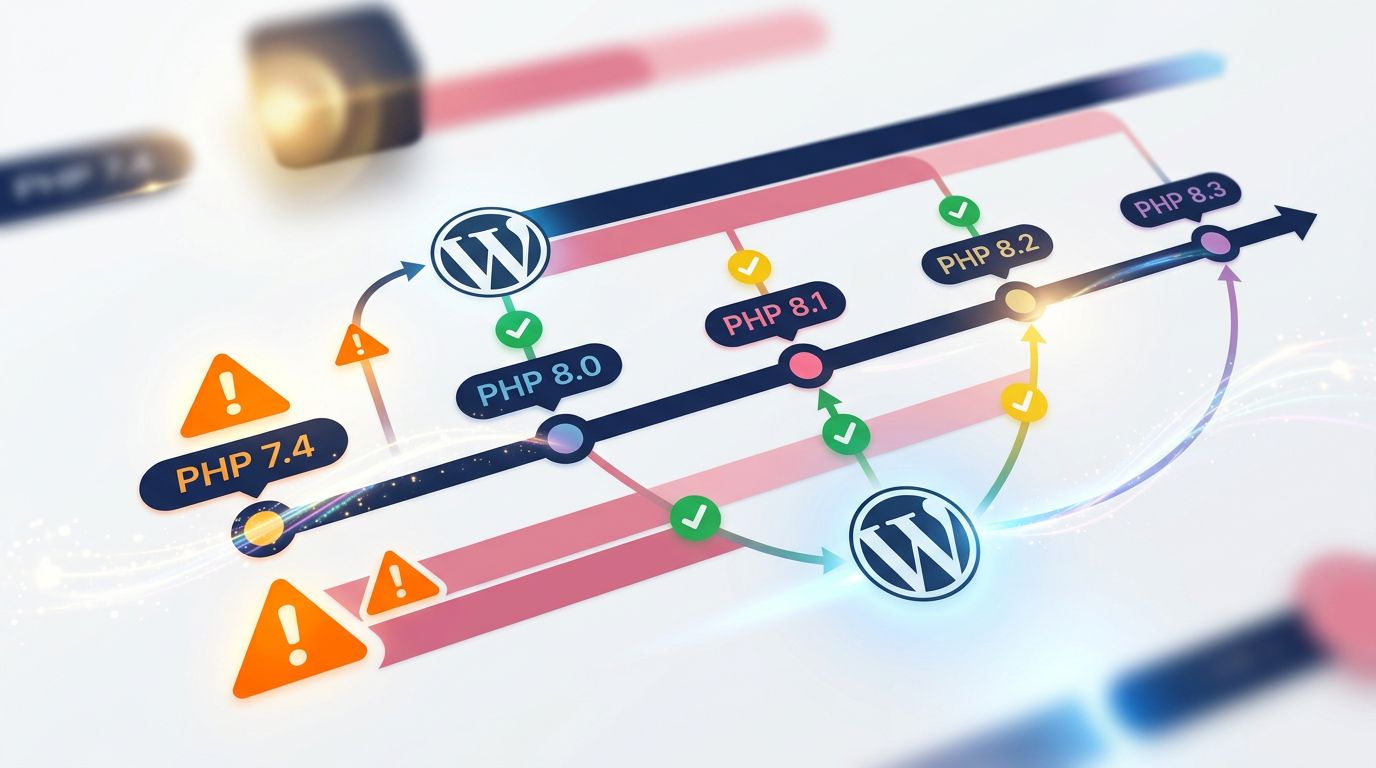
No mystery here. In 2026, the official WordPress recommendation is PHP 8.2 or 8.3.
- PHP 8.1: still supported, but active support ended in late 2025. Acceptable if your stack isn’t yet compatible with 8.2.
- PHP 8.2: the current sweet spot. Active support, broad compatibility with maintained plugins, notable performance gains.
- PHP 8.3: the latest stable version. Recommended for new projects. A few plugins are lagging on compatibility — check carefully.
- PHP 7.x: ban it immediately. No more security patches. Real risk.
The simple rule: target PHP 8.2 if your site is more than two years old and has an established plugin ecosystem. Target 8.3 if you’re starting from a clean base or have just completed a full compatibility audit.
Before Touching Anything: the Security Checklist
This is where 80% of people make a mistake. They change the PHP version from the hosting panel, then discover a white screen five minutes later.
A PHP migration requires preparation. Here is exactly how we proceed at GDM-Pixel before every update.
1. Full Backup — Not Partial
Files + database. Both. A file backup without the database is useless if WordPress crashes on startup. Use UpdraftPlus, BlogVault, or your host’s native backup — but verify that restoration works. A backup you’ve never tested is a false sense of security.
2. PHP Compatibility Audit
Install the PHP Compatibility Checker plugin (by WP Engine) on your site. It scans all your plugins, themes, and custom files and flags incompatibilities with the target version. That’s 10 minutes of work that saves you an hour of debugging.
What we look for: potential fatal errors on PHP 8.x. Warnings are less urgent. Deprecated notices can wait. Fatal errors crash the site.
3. Update WordPress, Themes, and Plugins First
Before changing PHP, update everything else. Recent versions of popular plugins (WooCommerce, Yoast, ACF, Elementor) are compatible with PHP 8.2+. If you’re on WooCommerce 7.x with PHP 8.2, you’re asking for trouble.
4. Test in a Staging Environment
If your host provides a staging environment (OVH, WP Engine, and Kinsta all do), use it. Duplicate the site, change PHP on the copy, test critical pages: homepage, catalogue, cart, checkout, contact forms.
If you don’t have staging: create a temporary subdomain, install a copy of the site, and test there. This is not optional for an active e-commerce store.
How to Change the PHP Version Depending on Your Host
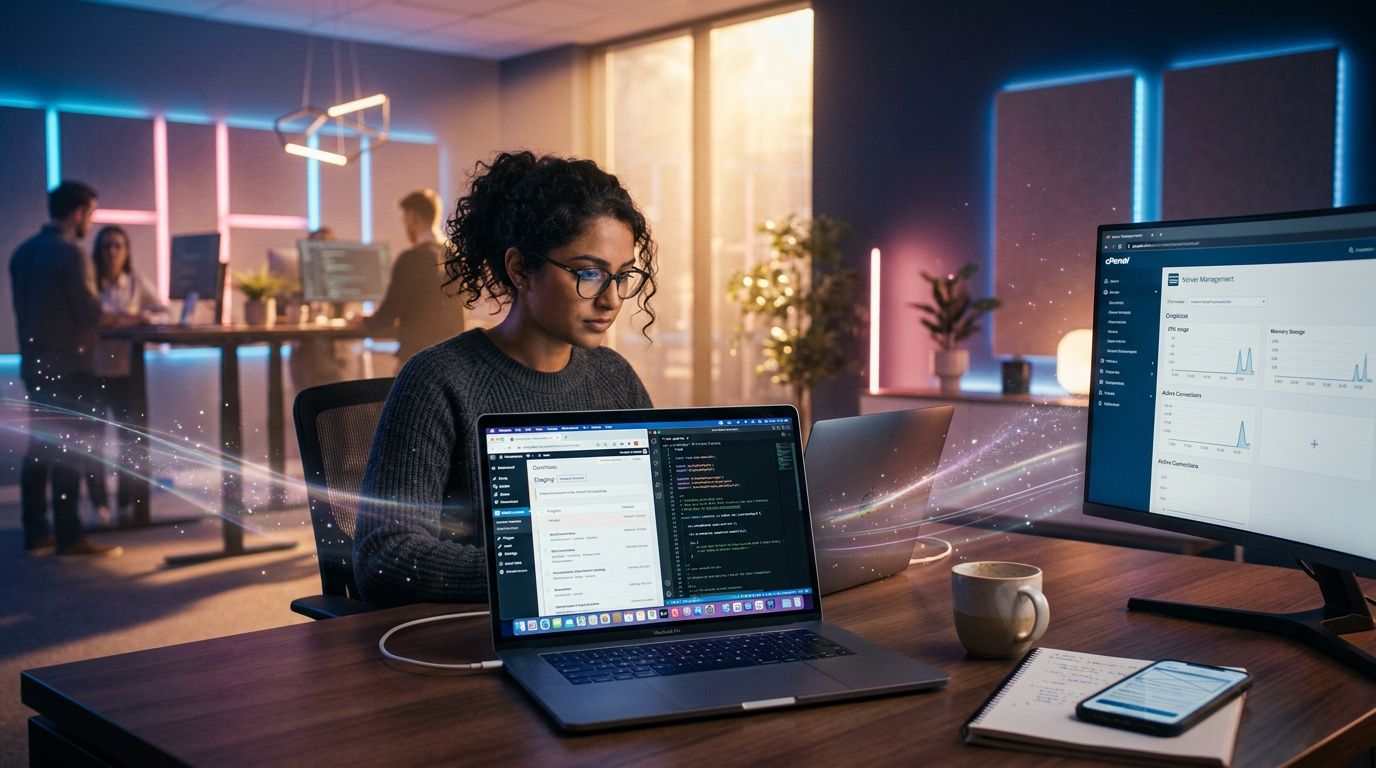
The actual steps vary depending on your hosting. Here are the most common cases.
cPanel (o2switch, Hostinger, PlanetHoster) Go to cPanel > PHP Selector or MultiPHP Manager. Select your domain, choose the target version, save. The change is immediate — which is why preparation beforehand is so important.
Plesk (OVH shared hosting, some VPS)
Domains > your domain > PHP Settings. Select the version from the dropdown. On some OVH configurations, you also need to edit the .htaccess file to force the version:
AddHandler application/x-httpd-php82 .phpWHM / Dedicated Server Via WHM > EasyApache 4, you can install PHP extensions for each version and configure defaults. This is the maximum control level — and the riskiest if you don’t know what you’re doing.
Managed Hosting (Kinsta, WP Engine, Flywheel) Proprietary interface in the dashboard. Kinsta for example: Sites > your site > Tools > PHP Version. These hosts test compatibility in advance and alert you if issues are detected. The premium comes with its perks.
What to Do If the Site Crashes After the Update?
It happens. Even with serious preparation, an obscure plugin can generate a fatal error.
First action: immediately roll back to the previous PHP version from your hosting panel. The site comes back. You can diagnose without time pressure.
Second action: enable WordPress debug mode. In wp-config.php, add:
define('WP_DEBUG', true);
define('WP_DEBUG_LOG', true);
define('WP_DEBUG_DISPLAY', false);
The file wp-content/debug.log will contain the exact errors. Look for Fatal error lines — they give you the name of the plugin or file causing the issue.
Third action: deactivate plugins one by one (via FTP if the dashboard is inaccessible — rename the plugin folder in wp-content/plugins/). Re-enable PHP 8.2, test. Identify the culprit.
Most of the time, it’s an abandoned plugin from two years ago. The solution: find a maintained equivalent, or have the code fixed if it’s a custom development.
“A poorly prepared PHP migration is often two hours of panic to resolve what one hour of preparation would have prevented.” — What we repeat to every client who calls us in an emergency.
Mistakes We Systematically See With Our Clients
After dozens of PHP migrations handled at GDM-Pixel, here’s what comes up most often.
Outdated page builder plugins. Elementor, Divi, WPBakery — old versions of these tools are time bombs on PHP 8.x. Update them before anything else.
Deprecated PHP functions in child themes. Child themes created 4–5 years ago sometimes contain calls to ereg(), split(), or mysql_* — removed in PHP 8. They crash without warning.
Missing PHP extensions. PHP 8.2 may require specific extensions enabled on the server (intl, imagick, sodium). If your host doesn’t enable them by default, some plugins may fail silently.
WooCommerce + third-party extensions. The WooCommerce core is well maintained. Payment or shipping extensions from third-party developers, much less so. Check each one individually.
What This Concretely Changes for Your Site
Let’s look at the measurable benefits, because security is good but numbers are better.
Load time. On a standard WordPress site with WooCommerce, moving from PHP 7.4 to PHP 8.2 reduces Time to First Byte (TTFB) by 15–25% according to our measurements. That’s significant when Google considers TTFB in its performance signals.
PageSpeed score. The combination of PHP 8.2 + active OPcache + a properly configured server can gain 8–15 points on the Performance score in PageSpeed Insights. For a site that was at 65, reaching 78 makes a real difference in mobile conversions.
Host compliance. In 2026, some hosting providers charge a surcharge or limit resources on PHP 7.x. Staying up to date also means avoiding unpleasant surprises on your hosting bill.
Three Points to Remember Before Starting the Migration
Before closing this article and opening your cPanel, here’s the essential.
Prepare before acting. Full backup, compatibility audit, update all plugins — in that order. Never change PHP first.
Test in an isolated environment. If you have an active e-commerce store, one hour of staging potentially saves you a full day of lost revenue. This is not optional — it’s mandatory.
Document what you do. Note the current PHP version, the plugins that cause issues, and the corrective actions taken. If you need to do this again in 18 months for PHP 8.4, you’ll have a working baseline.
Would You Rather Delegate This Than Handle It Yourself?
That’s a legitimate question. Your time as a business owner is valuable — and spending it debugging a PHP migration at 10pm is not necessarily the best investment.
At GDM-Pixel, we handle this type of intervention regularly as part of our website maintenance and support service. Compatibility audit, PHP migration on staging, full testing, clean production deployment. We document everything and provide you with a clear report on your site’s status after the intervention.
If your WordPress site hasn’t been touched in more than two years, now is probably the right time for a full technical audit: PHP version, outdated plugins, performance, security. Not to sell a rebuild — but to tell you exactly where you stand and what requires urgent action.
Contact GDM-Pixel for a technical audit — we’ll reply within 24 hours with a clear estimate.
What PHP version is your site running right now? If you don’t know, that’s already an answer.
 Social networks
 Analyze with AI