+33-9-7266-3068
 contact@gdm-pixel.fr







 TL;DR - Key Takeaways at a Glance
In 1984, the first click changed everything
Forty years. That is how long the question has remained unanswered.
In 1984, Apple introduced the Macintosh with a simple promise: what you see on screen is what you get on paper. The WYSIWYG paradigm — What You See Is What You Get — was born. A few years later, it swept through web creation. Dreamweaver, FrontPage, then WordPress, Wix, Webflow… The promise never changed: create without coding.
Forty years on, the debate is still not settled. And yet, something has fundamentally shifted in workshops and web agencies in 2024.
Here is what we actually see in the field — and why the real question is no longer “code or visual interface”, but “which one for which use case, at what stage of the project”.
The story of a false duel
Ask any web developer from the 2000s: Dreamweaver or Notepad? You will get a clear, often passionate, sometimes dismissive answer.
“Pure” developers looked at visual tools as spaghetti-code generators. Designers loved them because they did not have to learn CSS. The two camps long ignored each other — or fought.
What we forget is that this duel was always artificial.
A WYSIWYG tool never claimed to replace a senior developer on a complex application. And a developer writing everything by hand was never the ideal solution for a small business that just wants to update its “Our Services” page once a month — a trade-off we have already covered in detail regarding visual builders under WordPress.
The problem is that both approaches were long presented as mutually exclusive. Either you code, or you use a visual builder. Either you are serious, or you use Wix.
This binary view has cost many projects dearly.
What 15 years of web projects have taught me
On the projects we have run at GDM-Pixel, I have used both approaches. And above all, I have learned when each one breaks.
Visual tools break when:
- The client wants a specific feature the builder does not support
- Performance becomes critical (a loaded Elementor easily adds 4–6 seconds of load time)
- The data structure is complex (product catalogue with variants, dynamic pricing, ERP integration)
- The project must evolve over 5 years without depending on a third-party vendor
Pure code breaks when:
- The client needs to update content themselves without calling the agency
- The budget does not justify 3 weeks of development for 5 static pages
- Time-to-market is critical and there is no luxury of building everything from scratch
It is not a matter of religion. It is a matter of context.
What we concretely see with our clients: projects that go best are those where we chose the tool suited to the dominant constraint — not the tool we prefer by default.
2024: the real paradigm shift
Here is where it gets interesting.
The code vs WYSIWYG opposition was relevant when the two camps were truly separate. That is no longer the case.
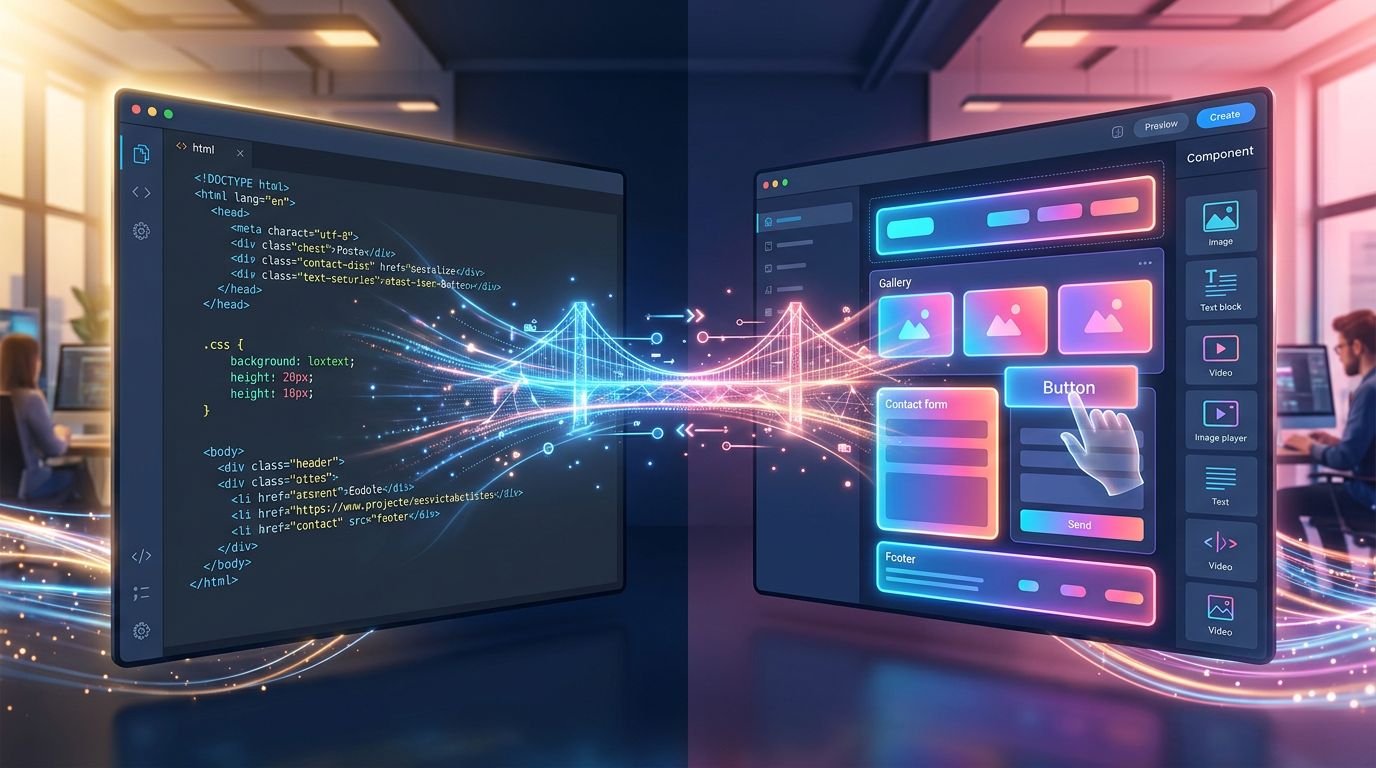
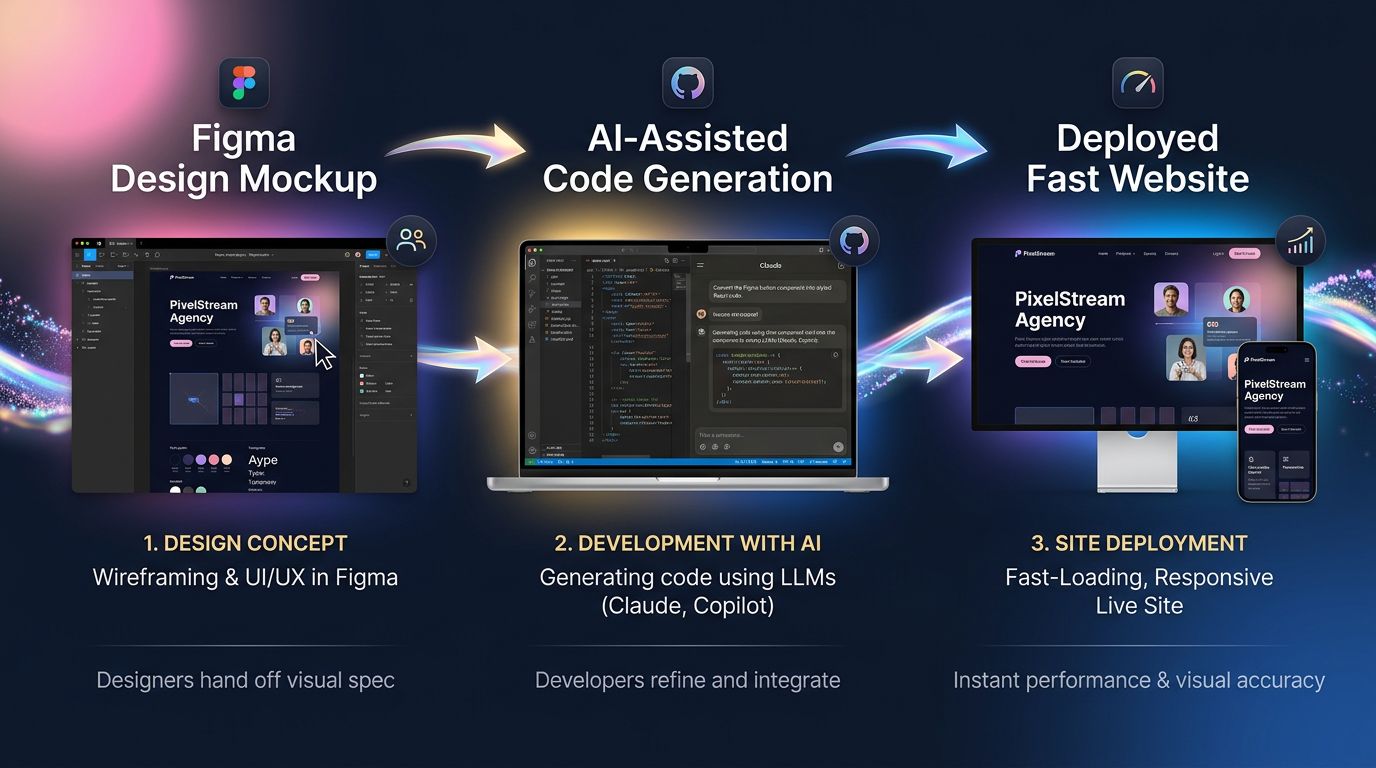
Figma broke the boundary on the design side. You draw visually, but you export design tokens, variables, a structure that speaks directly to code. Figma components map onto React or Astro components. The gap between “I designed it” and “it’s coded” has shrunk dramatically.
Webflow did the same on the development side. You drag visual blocks, but behind the scenes, the generated code is clean, semantic, and maintainable. It is no longer the spaghetti code of Dreamweaver 2003.
And above all — AI has changed the rules of the game.
Today, with Claude Code or GitHub Copilot, a developer writing code “by hand” is no longer truly writing by hand. They direct. They validate. They architect. AI generates the 70% of repetitive code. What remains is business logic, architectural decisions, optimisations.
So the line between “I code” and “I use a visual tool” has become blurred in both directions.
“The best interface is no interface — but until we get there, the best interface is the one your team actually uses.” — Golden Krishna, The Best Interface Is No Interface
The real hidden cost of each approach
How many hours per week do you spend managing updates on a WordPress site overloaded with plugins?
That is the question nobody asks when choosing a tool. We look at the creation cost. Rarely the total cost of ownership over 3 years.
A site built with a mainstream visual builder:
- Fast to create, controlled initial budget
- But: vendor dependency, often degraded performance, limited customisation, painful migrations
- Real cost over 3 years: monthly subscription + time spent working around limitations + redesign when needs evolve
A custom-developed site with a modern stack:
- Higher upfront cost, longer delivery time (unless you have industrialised, see our workflow)
- But: maximum performance, zero third-party dependency, full scalability, complete code ownership
- Real cost over 3 years: light maintenance, targeted updates, no parasitic subscriptions
A hybrid site (headless CMS + modern front-end):
- The best of both worlds on paper
- But: higher technical complexity, requires a team that masters both sides
- Real cost over 3 years: depends entirely on the quality of the initial architecture
My advice for a small business with a limited budget: do not choose based on what you want to create today. Choose based on what you will need to modify in 18 months — that is also what determines when a redesign is truly necessary rather than a simple evolution.
Our current stack — and why we made the call
At GDM-Pixel, we stopped debating. We chose.
Our production stack for showcase and e-commerce sites: Figma for design → Astro + Tailwind for the front-end → headless CMS for content → Claude Code to accelerate development.
Why this choice?
Astro generates static HTML by default. Result: Lighthouse scores consistently above 95. No visual builder can compete on that criterion.
Tailwind eliminates 80% of repetitive CSS decisions. We code faster, the code is more consistent, maintenance is trivial.
Claude Code generates repetitive components (cards, sections, forms) in seconds from our standardised prompts. What used to take 2 hours now takes 20 minutes.
The headless CMS (Sanity or Directus depending on the project) gives the client a clear, simple editing interface without ever touching the code.
Concrete result: we deliver 5-page sites in 3 days. Projects that used to take 3 weeks five years ago.
This is not WYSIWYG. It is not pure code either. It is an industrialised workflow that takes the best of both worlds.
“Tools are only as good as the workflow they fit into.” — Anonymous, but true in every project we have run.
What this means for you — business owner or decision-maker
If you are deciding how to rebuild your website, here are the three questions that truly matter:
1. Who will maintain the content day-to-day? If it is you or a non-technical team member, you need a simple editing interface. Not necessarily a full visual builder — a well-configured CMS is more than enough.
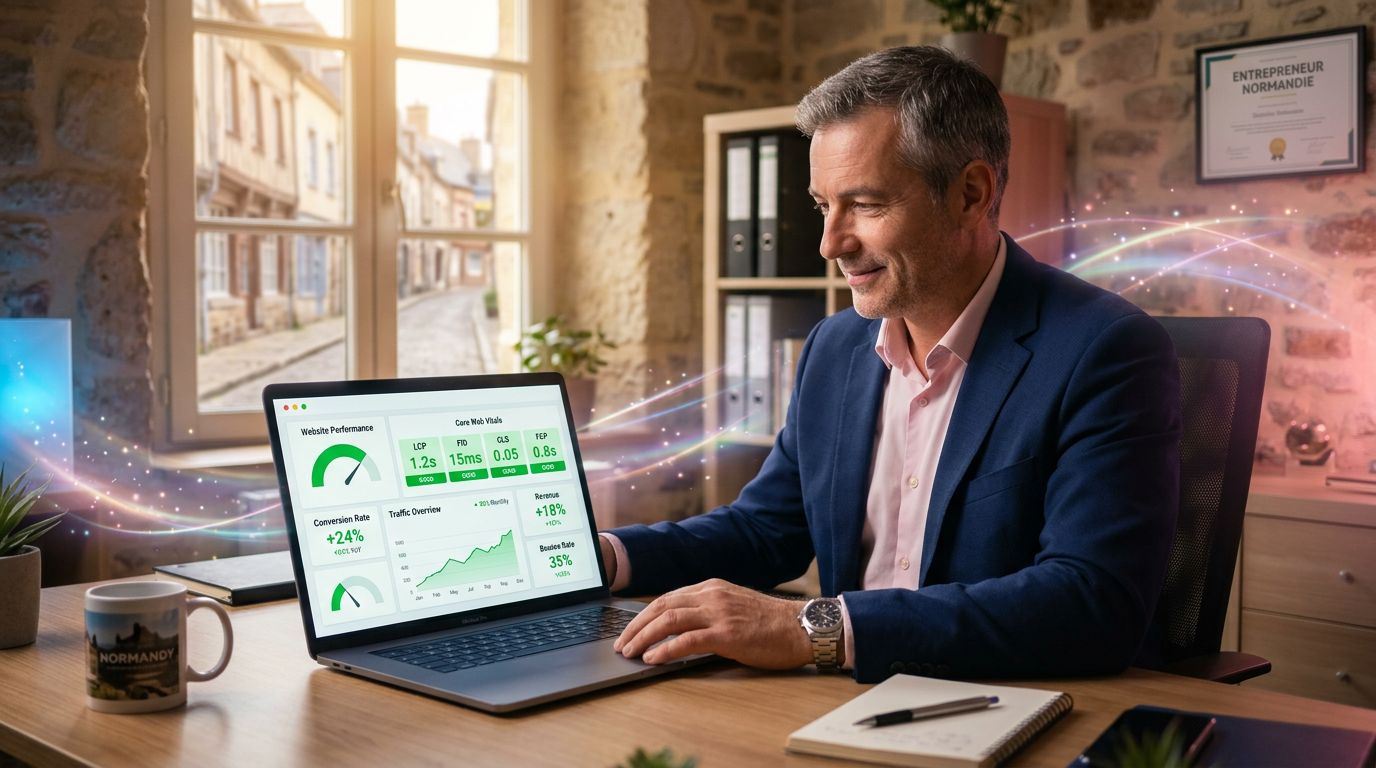
2. What are your performance requirements? A slow e-commerce site loses sales. Google has measured it: each additional second of load time can reduce conversions by 7 to 12%. If performance is critical, custom code is not a luxury — it is an investment.
3. Does your site need to evolve in 2 years? If so, architecture matters as much as aesthetics. A beautiful site built on a fragile stack will cost you a complete rebuild instead of a simple update. That is precisely what we secure from the start for your website creation.
These three questions are worth more than any philosophical debate about code vs visual.
In summary: three takeaways
The code vs WYSIWYG debate is outdated. The real question is: which combination of tools matches your project context, your maintenance budget, and your evolution constraints?
AI has radically reduced the cost of custom development. The justification for choosing a visual builder “to go fast” is disappearing. Delivering fast with quality code is now accessible, provided you have industrialised your workflow.
Performance is non-negotiable in 2024. Google’s Core Web Vitals are a direct ranking factor. A slow site means less visibility and fewer conversions — regardless of the tool used to build it.
Rebuilding your site in 2024?
Do not choose your tool before defining your primary constraint.
At GDM-Pixel, every project starts with a 30-minute diagnostic: what are your real needs, what are your actual constraints, and which stack answers them best — without overselling and without ideology.
If your project requires a technical audit rather than a full redesign, we tell you. If a standard CMS is enough, we do not sell you custom development.
Forty years after the first WYSIWYG click, the best interface remains the one that helps you reach your business goals — not the one that impresses in a demo.
Contact GDM-Pixel for a no-commitment diagnostic. We tell you what really works for your specific case.
 Social networks
 Analyze with AI